 Featured
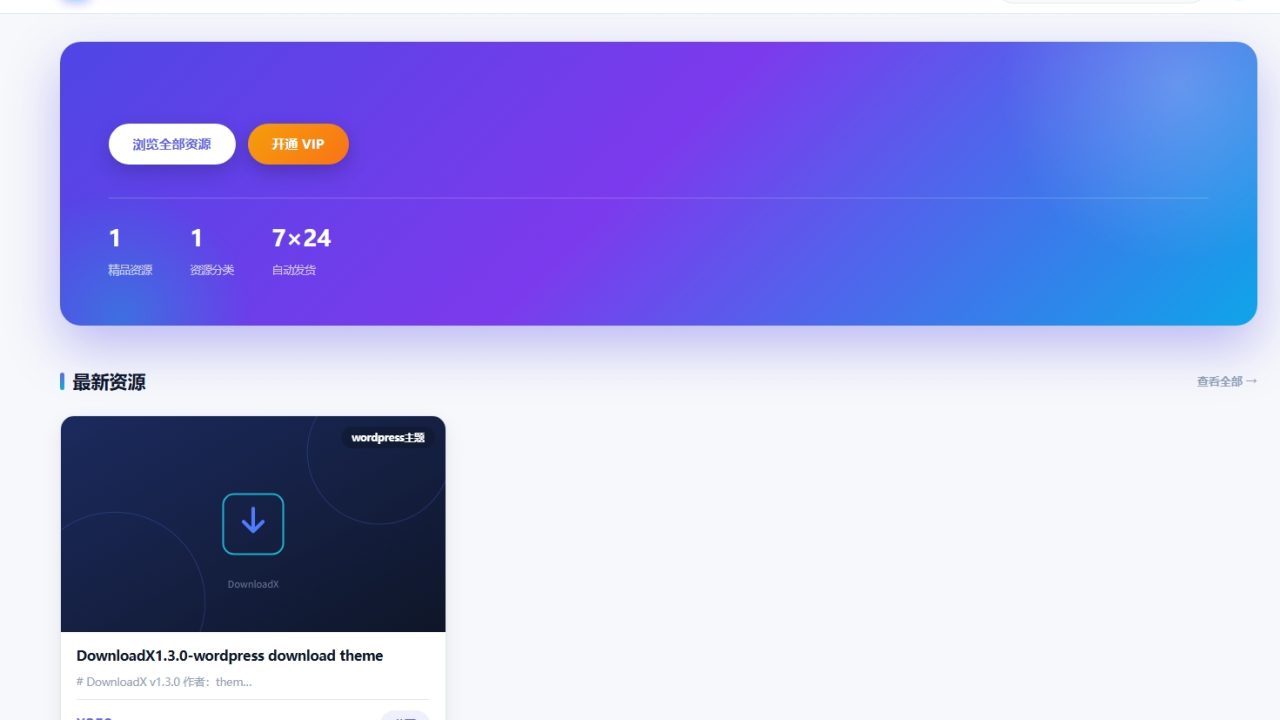
DownloadX-wordpress download theme
$59
📥 DownloadX v1.3.0 Theme Documentation
Author: thememeta.com
Copyright: All rights reserved. Distribution, copying, and secondary modification are strictly prohibited.
Copyright: All rights reserved. Distribution, copying, and secondary modification are strictly prohibited.
DownloadX is a WordPress theme specifically designed for virtual resource download sites. It features a complete front-end membership system, integration with mainstream domestic payment gateways, a visual backend configuration panel, and a full-width responsive interface.
Version 1.3 adopts a modern, light-themed SaaS visual style and optimizes the login routing, ensuring direct single-hop access regardless of the permalink settings. Additionally, this version corrects the membership download permission tiers and fixes the local file upload functionality in the backend.
🛠️ I. System Requirements
- WordPress: 5.6+ (6.0+ recommended)
- PHP: 7.2+ (7.4+ recommended), with
openssl,mbstring, andcurlextensions enabled - Database: MySQL 5.6+ / MariaDB 10.2+
- Permalinks: Pretty permalinks must be configured (using "Post name" is recommended)
📦 II. Installation Steps
- Upload the
downloadxfolder to thewp-content/themes/directory, or upload the theme zip package directly via Appearance → Themes → Add New → Upload Theme in the WordPress dashboard. - Activate the theme. Upon activation, it will automatically perform the following:
- Create the orders table and download records table.
- Create three core pages:
/login,/account, and/vip. - Register required image sizes and menu locations.
- The theme automatically flushes permalink rules upon activation. If you have modified your permalink settings previously, please navigate to Settings → Permalinks and click "Save Changes" again.
- Go to the DownloadX menu in the left sidebar to configure layouts, payment gateways, and membership settings.
- Navigate to Appearance → Menus to create your primary navigation and assign it to the "Primary Menu" location. If no menu is configured, the front end will display a default navigation.
- Go to Resource Library → Resource Categories to create categories, and then publish resources via Resource Library → Add New.
✨ III. Feature Overview
1. Front-End Login & Membership System
- Front-End Routing: Login, user dashboard, membership checkout, and logout are handled via front-end routes (
/login,/account,/vip,/logout). This routing system is backed by both pretty permalink rules and dynamic fallbacks, ensuring single-hop access regardless of the permalink structure. It eliminates redirect loops and unresponsive clicks without requiring specific pages to exist. Permalink rules are automatically refreshed during theme updates. - Backend Access Control: The default WordPress login page is disabled. Regular users attempting to access the backend are automatically redirected to the user dashboard. Only administrators retain backend access.
- Login Page (
/login): Supports username or email login via AJAX, includes rate-limiting for failed logins (8 attempts per 10 minutes), and features a registration honeypot for bot protection. - User Dashboard (
/account): Provides data overview, download history, order history, and options to update nicknames and passwords. - Membership Checkout (
/vip): Supports monthly and yearly plans. Upon successful payment, the membership validity is automatically extended (renewals are added to the current expiration date). - Download Permission Rules:
- Guests: Cannot download any resources.
- Logged-in Non-Members: Can only download free resources.
- Paid Resources: Require an active membership to download.
- Yearly Members: Free access to all paid resources.
- Monthly Members: 20% discount on individual paid resource purchases.
2. Sidebar Widgets
- Three Widget Areas: Left sidebar, Right sidebar (displayed in multi-column layouts), and Full-width area (displayed in single-column layouts).
- 6 Custom Widgets: Category navigation, Popular downloads, Latest updates, Site statistics, Membership promotion, and Site announcements.
- Smart Population: Upon activation, the theme automatically populates empty widget areas with default widgets without overwriting existing configurations. You can freely adjust them in Appearance → Widgets.
3. Resource Management
- Custom Post Type: Uses "Resource Library" as the post type and "Resource Categories" as its taxonomy.
- Resource Fields: Each resource can be configured with a price (0 or blank for free), external cloud storage links and passwords, local files (zip/rar/7z/pdf), version number, file size, and update logs.
- Paid Resource Protection: For unpaid resources, the external links and passwords are automatically hidden on the details page and unlocked upon successful purchase.
- Secure Local File Delivery: Local files are delivered using time-limited (1-hour) signed URLs and chunked streaming to prevent direct link theft. The file storage directory includes built-in access protection.
4. Payment Integration
Supports three payment gateways that can be enabled simultaneously. Configuration path: DownloadX → Payment Settings.
表格
| Gateway | Type | Required Configuration |
|---|---|---|
| Alipay Official | Mobile Web Payment (RSA2) | APPID, App Private Key, Alipay Public Key |
| WeChat Pay Official | Native QR Code (APIv3) | APPID, Merchant ID, APIv3 Key, Certificate Serial Number, Merchant Private Key File Path |
| Xunhu (Tiger Payment) | Alipay + WeChat Dual Channel | AppID, AppSecret |
- WeChat Pay: QR codes are generated locally on the front end; payment links do not pass through any third-party services.
- Secure Callbacks: All asynchronous callbacks undergo signature verification, amount matching, and idempotency checks to prevent forged requests and duplicate fulfillment.
- Callback URL:
yourdomain.com/?dlx_notify=alipay|wechat|xunhu. No additional configuration is required.
Note: Using the official WeChat Pay gateway requires your domain to be ICP-filed (for China) and the merchant account to have Native payment enabled. Individual merchants are advised to use the Xunhu gateway as a priority.
5. Backend Configuration
Centralized configuration is available via the DownloadX menu in the left sidebar:
- Layout & Homepage: Toggle full-width/boxed mode, multi-column layout switches, resource card columns (2/3/4), homepage display categories, items per category, archive page limits, popular category toggle, and announcement bar.
- Payment Settings: Configure parameters for the three gateways and set the default payment method.
- Membership & Copy: Set monthly/yearly pricing, currency symbol, site tagline, and use the one-click page creation tool.
6. Security Design
- Output Escaping: All outputs are escaped using
esc_html,esc_attr,esc_url, andwp_kses. - Prepared Statements: All database queries use
$wpdb->prepareto prevent SQL injection. - Request Verification: All AJAX requests and form submissions are secured with nonces.
- Login Security: Features rate-limiting for login/registration, vague error messages on login failure, and a registration honeypot.
- Information Hiding: User enumeration, REST API user endpoints, and WordPress version output are disabled.
- Download Security: Download links use HMAC signatures and timing-safe comparisons to prevent link enumeration and forgery.
- File Security: Local file directories are validated against path traversal attacks, and payment certificates are restricted to reading files only within the site directory.
- Security Headers: Adds security headers (nosniff, X-Frame-Options, Referrer-Policy).
❓ IV. FAQ
- Cannot see the Login/User Dashboard pages after activation?
Go to DownloadX → Membership & Copy and click the "Create Pages" button. - Resources not automatically unlocked after payment?
- Ensure your server can access external networks (required for payment callbacks).
- Verify that the payment gateway keys are configured correctly.
- Check the order status in "My Orders" within the user dashboard.
- Resource images not displaying?
Please set a Featured Image (cover) for the resource. Otherwise, the theme's default placeholder image will be displayed. - Getting 404 errors on permalinks?
Go to Settings → Permalinks and click "Save Changes" to flush the rewrite rules.
©️ V. Copyright
Copyright © 2026 thememeta.com. All rights reserved.
This theme is protected by copyright law: Distribution, sale, sharing, copying, and redistribution after secondary modification are strictly prohibited.
This theme is protected by copyright law: Distribution, sale, sharing, copying, and redistribution after secondary modification are strictly prohibited.
Related
You May Also Like
Featured